Add bookmarks faster from your start page
By Alexander Ostapenko on Jun 17, 2026
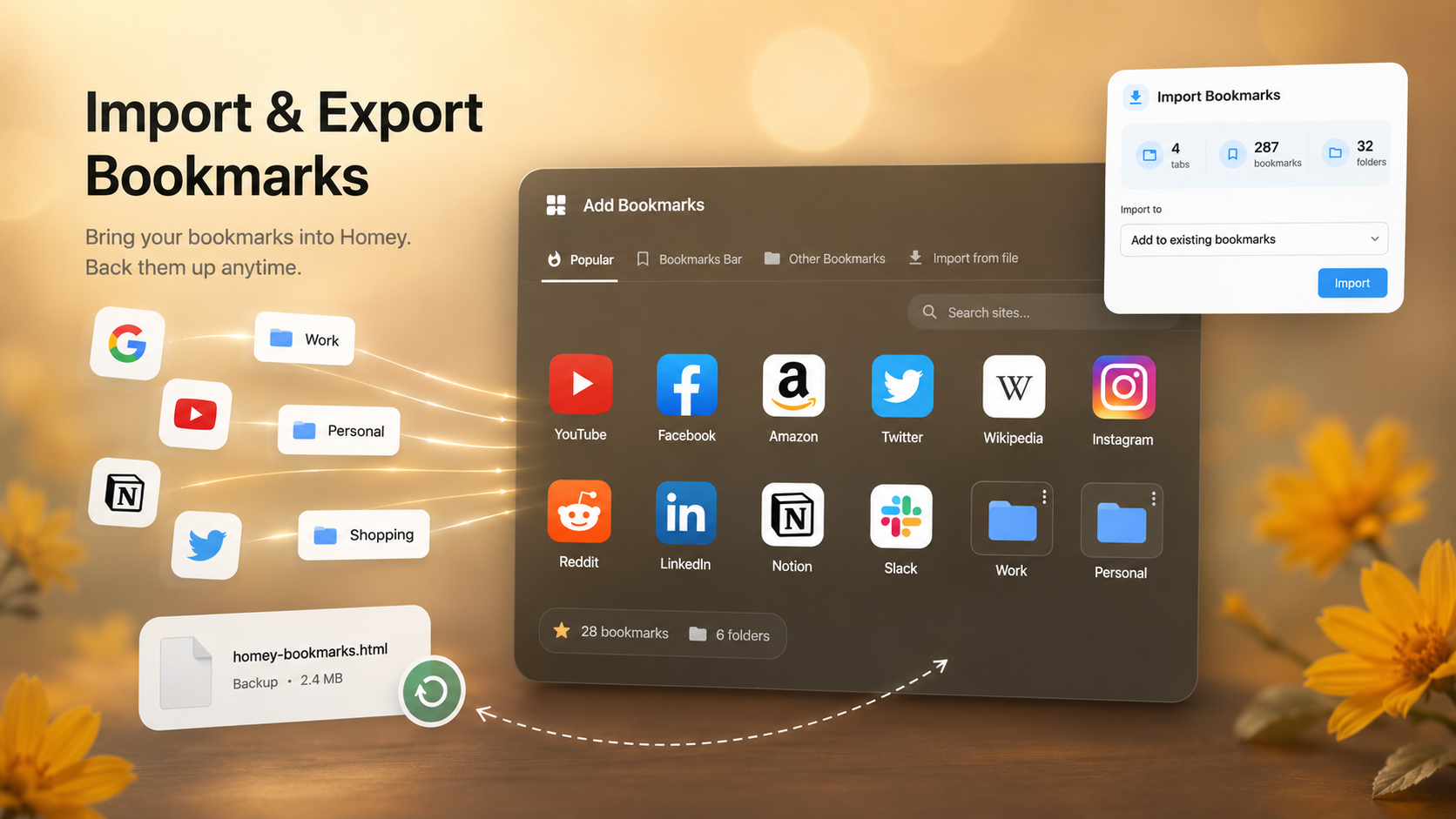
The new Add Bookmarks panel helps you quickly fill your Homey start page with the sites you use most.
You can now add popular sites, choose bookmarks from your browser folders, or import a bookmarks file directly from this panel.
This is especially useful when setting up Homey for the first time: instead of adding every site manually, you can quickly bring in your existing bookmark structure.
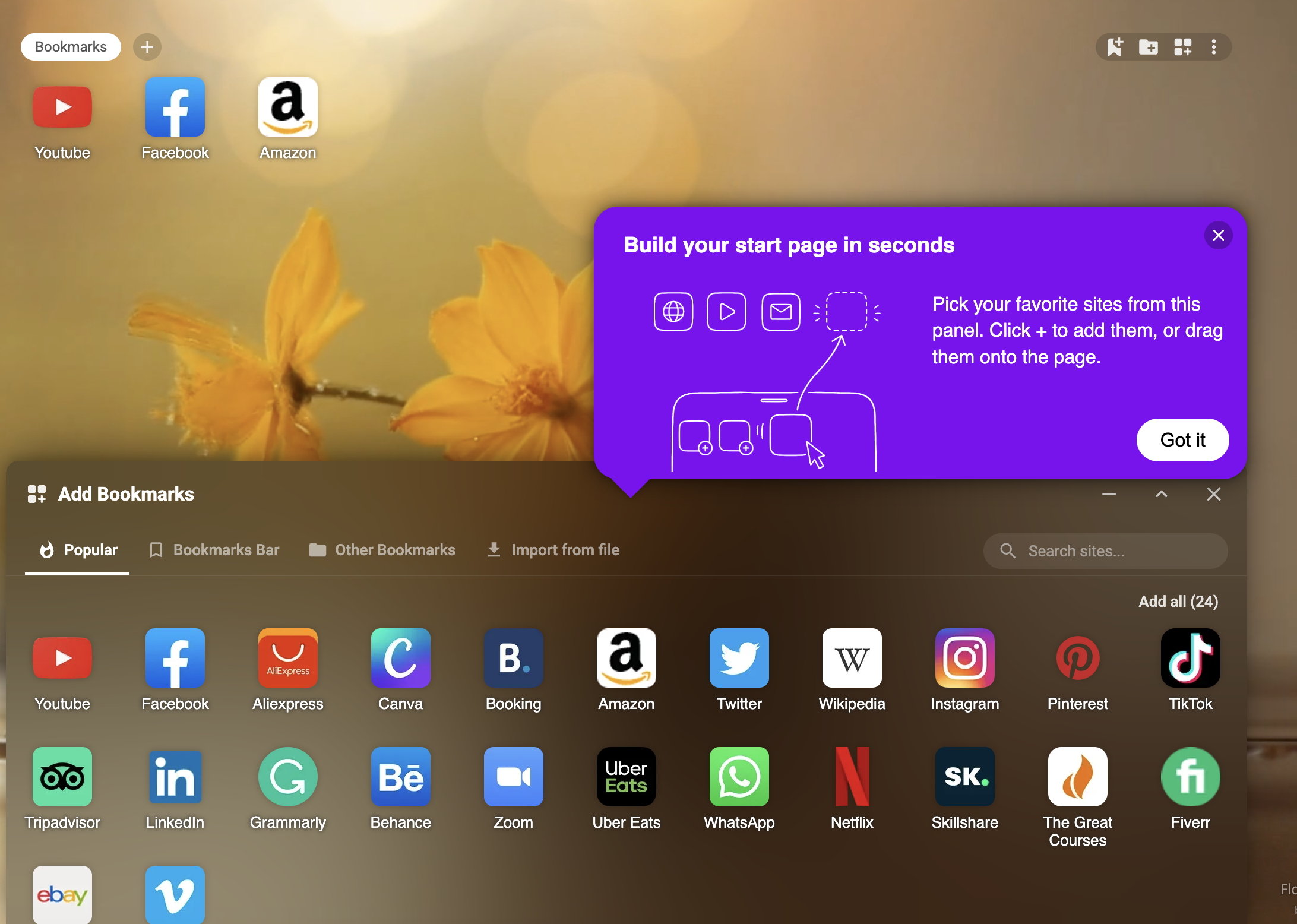
Import and export bookmarks in Homey
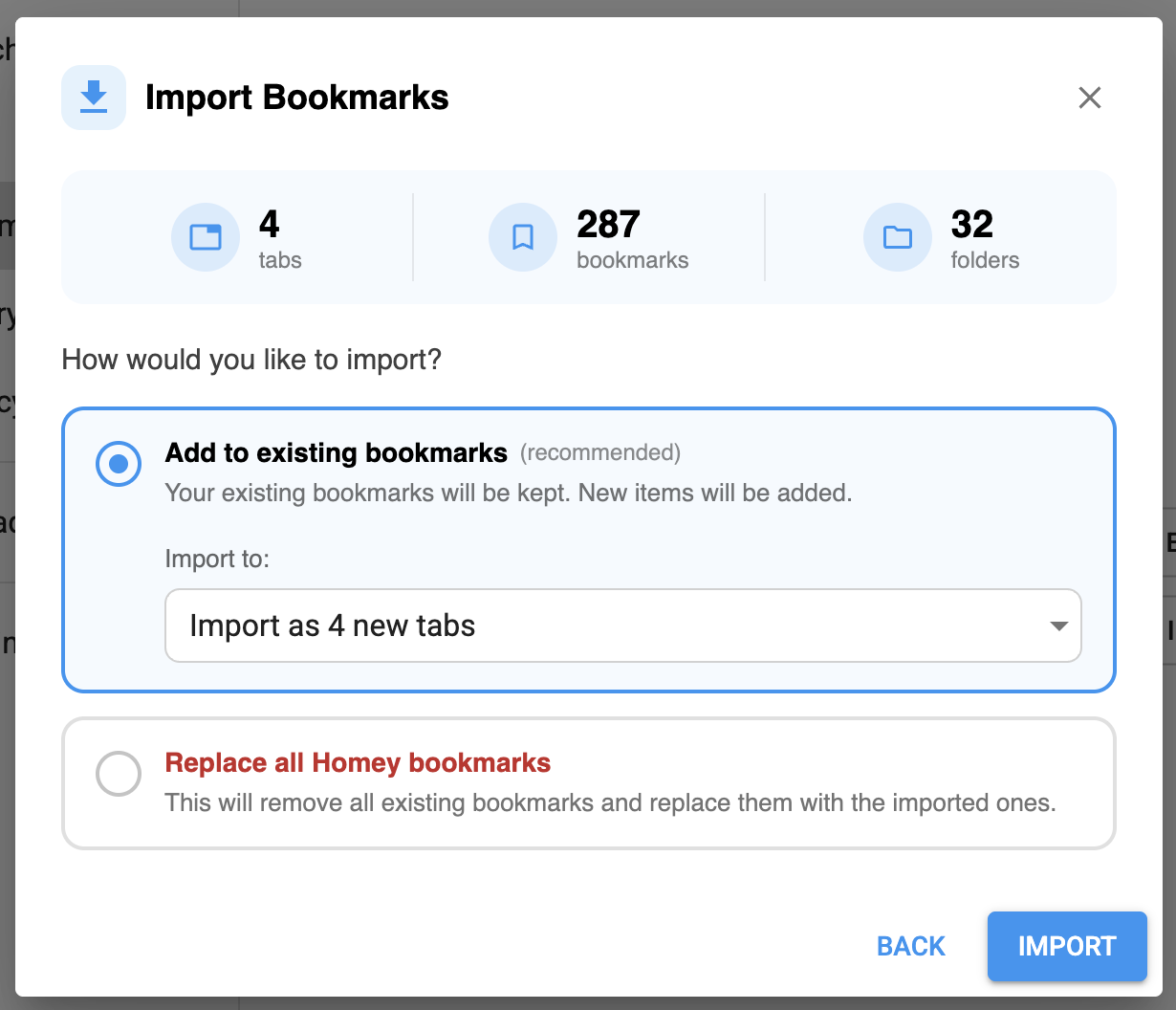
We’ve added full bookmark import and export to Homey. You can now quickly move your browser bookmarks into Homey, save your Homey bookmarks to a file, and restore them later when needed.
This is useful if you’re switching from Chrome, Edge, or another browser, want to set up your start page faster, or simply want to create a backup of your Homey bookmarks.
Import and export are available in:
Settings → Bookmarks → Manage data
Why this matters
Many users already have a large bookmark collection in Chrome, Edge, or another browser. Now, you can bring that structure into Homey much faster.
And if you’ve already customized Homey, export lets you save that setup as a backup and restore it later.
With this update, you can:
- import bookmarks from your browser into Homey;
- export Homey bookmarks to a file;
- create a backup of your start page;
- restore bookmarks back into Homey;
- keep your folders, colors, and custom icons;
- set up your new tab page faster.
The idea is simple: Homey is now easier to set up, move, and restore without manually adding every bookmark from scratch.